Stop opening products one by one
Titles, descriptions, categories and SEO fields should not require hundreds of separate product screens.
Edit in bulkBulk edit products, collections, variants and images without opening every record. Preview each change, stay in control and apply it safely to Shopify.
Shopify lets you manage your catalog. CataBatch helps you handle the repetitive parts together, with a clear review step before anything changes.
Titles, descriptions, categories and SEO fields should not require hundreds of separate product screens.
Edit in bulkUse a familiar Excel workflow with selected fields, clear imports and a practical change preview.
PreviewReview the proposed updates and approve them before they are sent to your Shopify store.
Apply when readyShopify lets you edit catalog records one at a time. CataBatch turns the same job into a controlled bulk workflow.
You keep the final decision: supported changes are shown before they are applied.
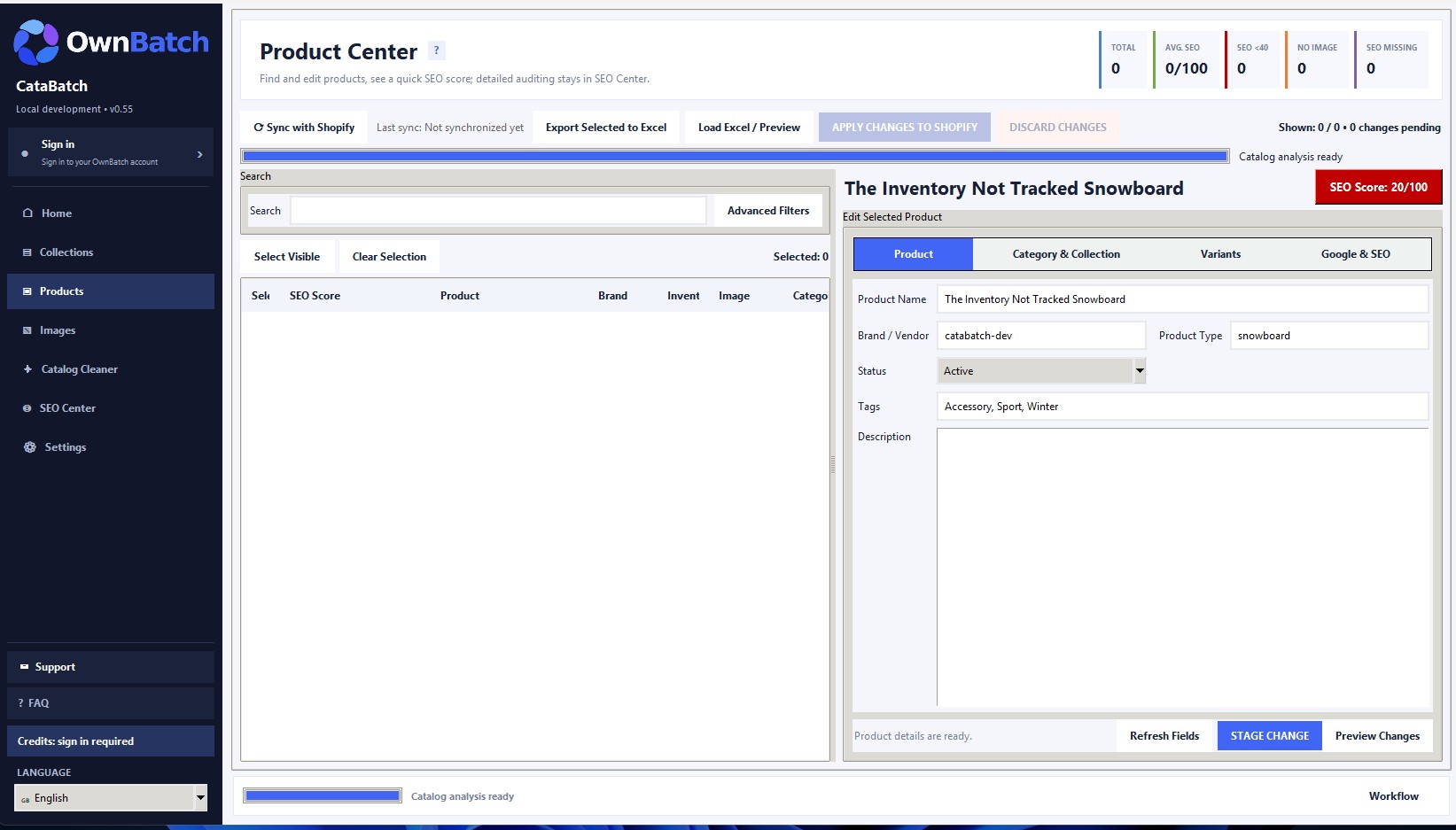
Manage the product fields that take the most time from one focused workspace. Choose records, edit the details you need and review the result before applying it.
Choose categories by their readable names. CataBatch handles the required Shopify category mapping behind the scenes.
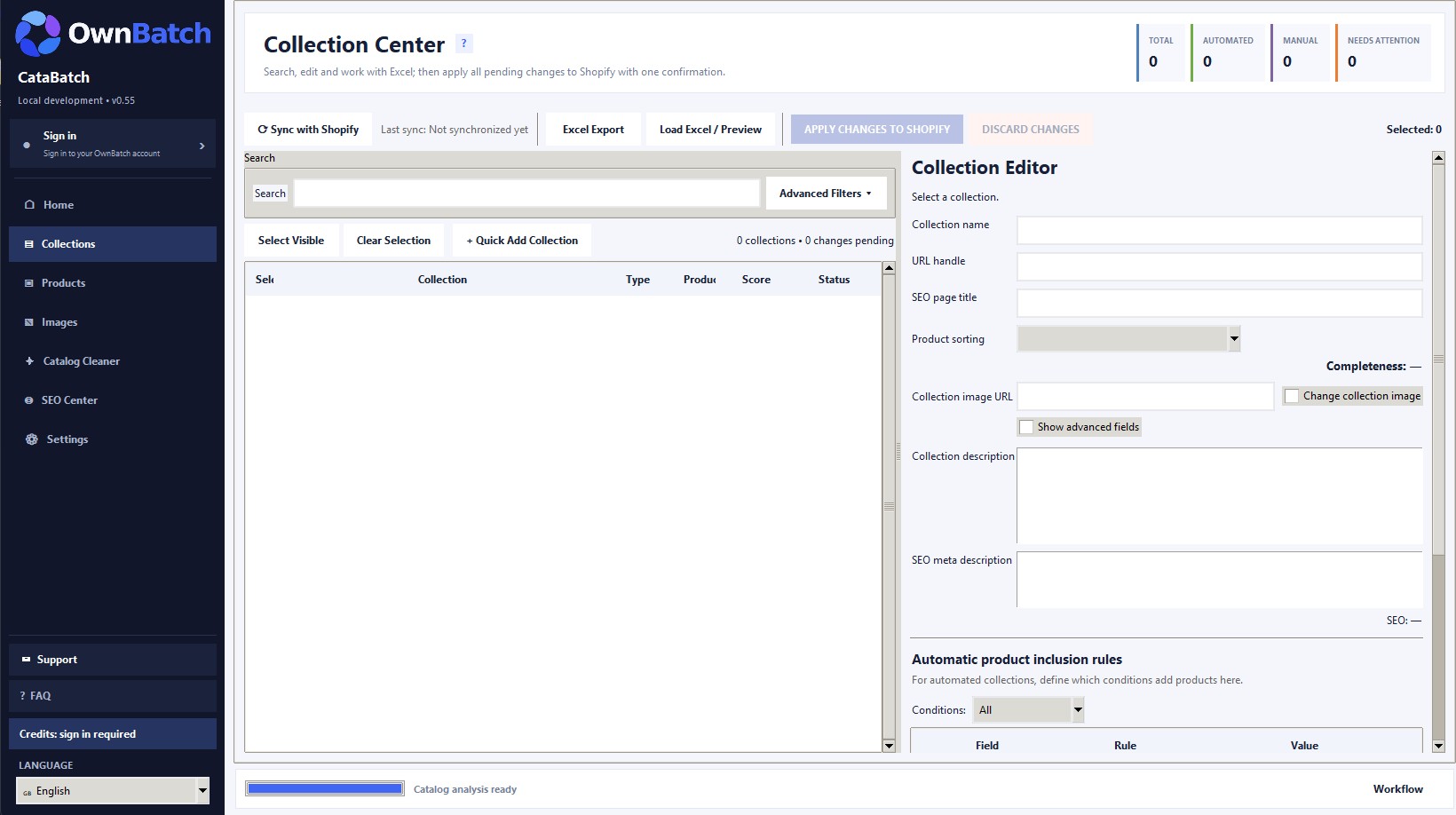
Search, filter and review manual or automated collections. Move supported data through Excel, check the differences and apply approved changes to Shopify.
Image descriptions and filenames solve different catalog problems. CataBatch gives each workflow its own focused editing area.
Update image descriptions across many catalog images to make product information and accessibility easier to maintain.
ExploreReplace unclear file names with useful, catalog-friendly names through a separate controlled workflow.
Explore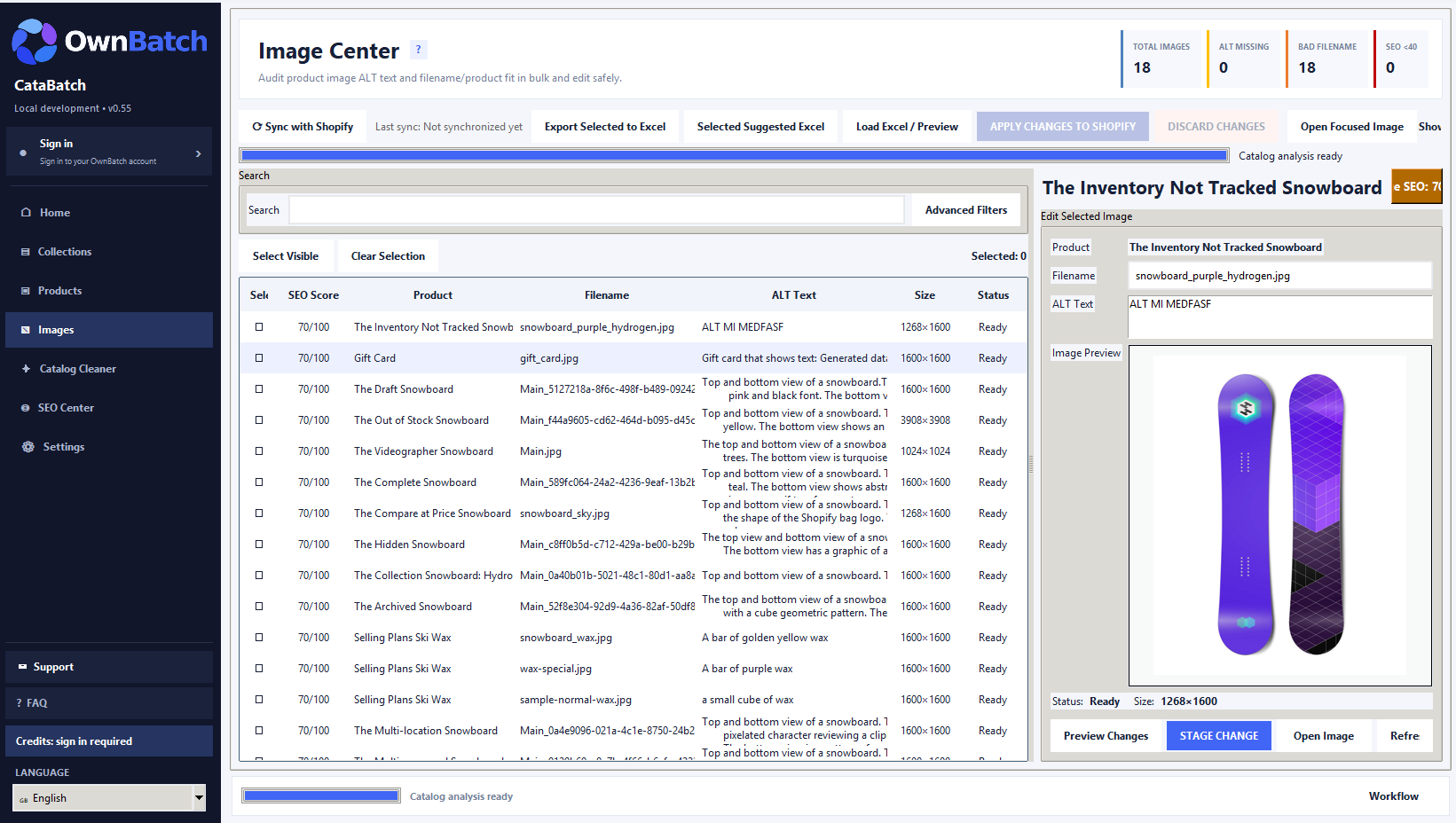
Export your store data to Excel, edit the fields you actually need, load the workbook back and preview the changes before sending them to Shopify.
Exporting, loading and previewing your workbook does not use credits.
ExploreCataBatch separates preparation from the final store update, so you decide what is ready to be applied.
See the prepared changes before you approve the final Shopify update.
Keep a clear boundary between editing, checking and sending changes to your store.
Canceled, unprocessed or definitely failed records do not consume credits.
One successfully changed unique Shopify record uses one credit, even when several fields on that record are updated together. Each Shopify store has its own credit balance, shared across compatible Batch apps linked to that store—not across different stores.
See how CataBatch credits workStore synchronization, reading, scans, Excel export, Excel file loading and previews do not use credits.
Enter the records you plan to update. The calculator estimates credits, active work time and the lowest-cost package combination that covers the job.
Enter at least one product record to calculate.
For very small jobs, preparation may take as long as manual editing. CataBatch becomes more useful as repetition grows.
Credits are charged only for successful unique Shopify record changes. Sync, scans, Excel import/export and preview do not use credits.
Time estimate uses transparent averages: 2 min/product, 3 min/collection and 1 min/image manually; CataBatch preparation and review uses an 8-minute base plus a small per-record allowance. Shopify synchronization and background processing are excluded. Actual time varies by catalog and fields.
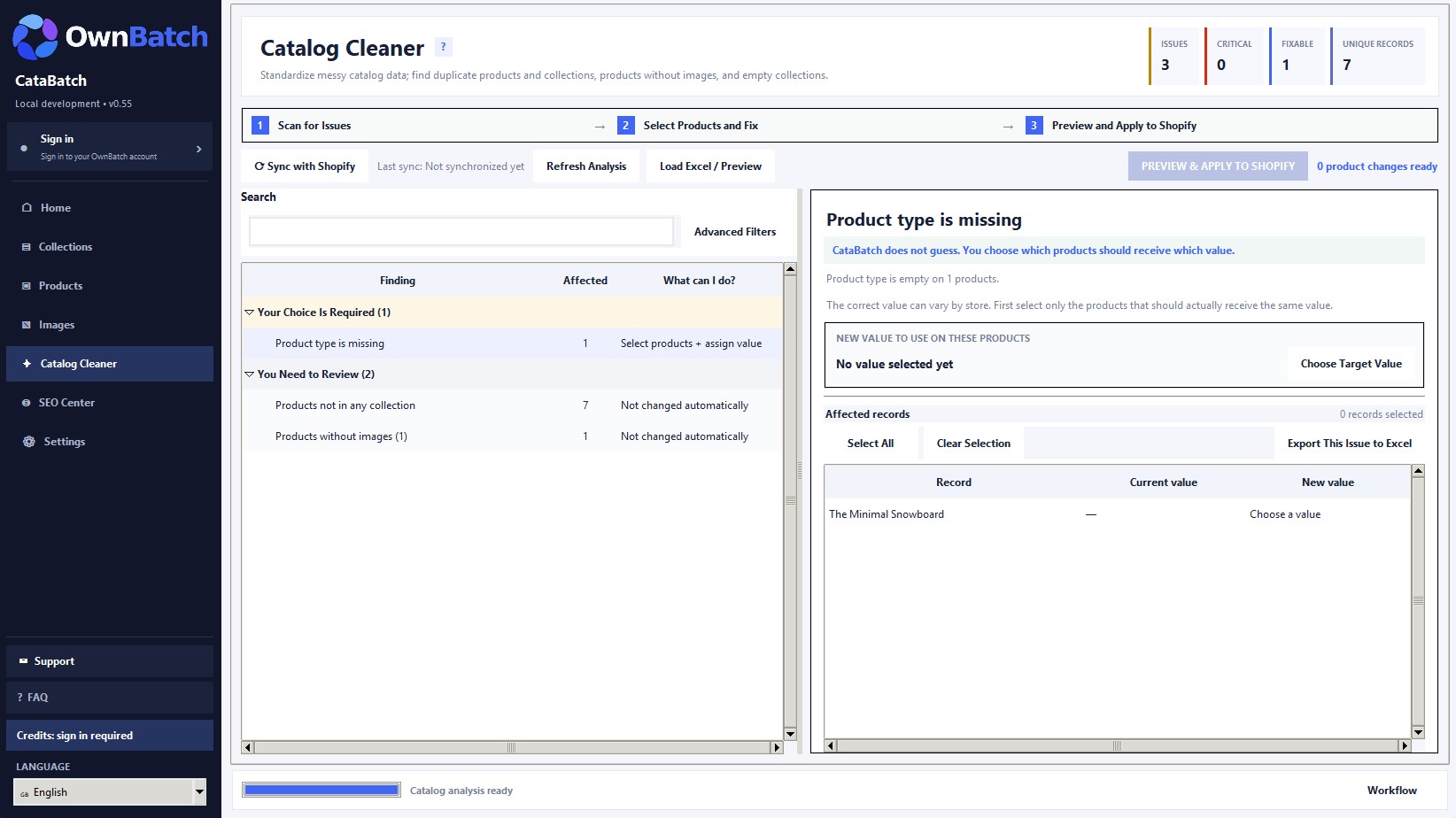
Spot practical catalog problems such as missing images or inconsistent information, then decide which issues should be corrected.
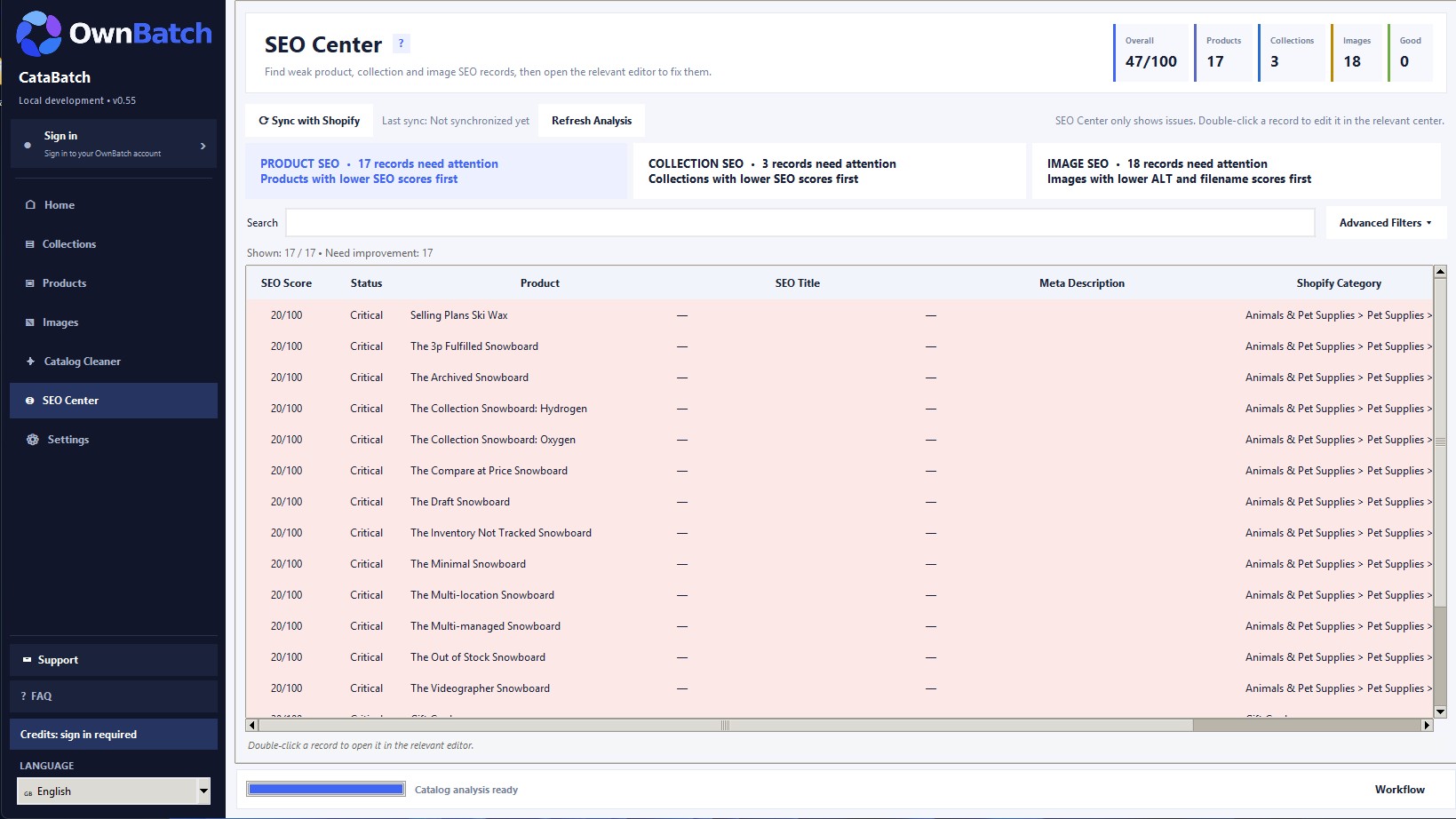
ExploreNotice missing product titles, meta descriptions, handles and other useful catalog SEO fields. CataBatch helps you edit them; it does not promise search rankings.
ExploreCataBatch is useful when the same catalog task keeps coming back, whether your store is small or your product list is growing.
Bring product names, descriptions, categories and tags into a consistent format.
Review product titles and meta descriptions together instead of opening every record.
Work through missing or weak image ALT text in one focused image workflow.
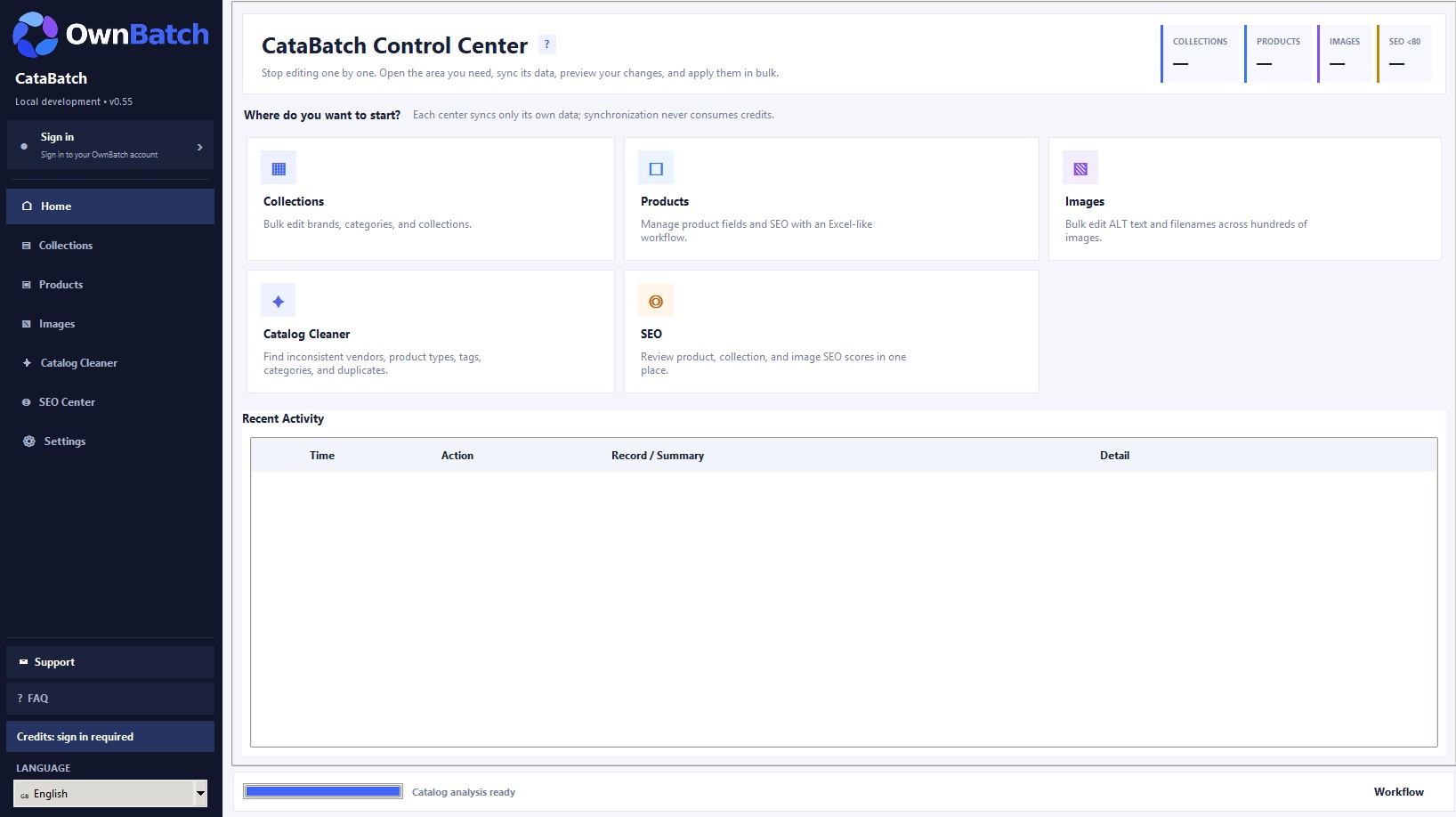
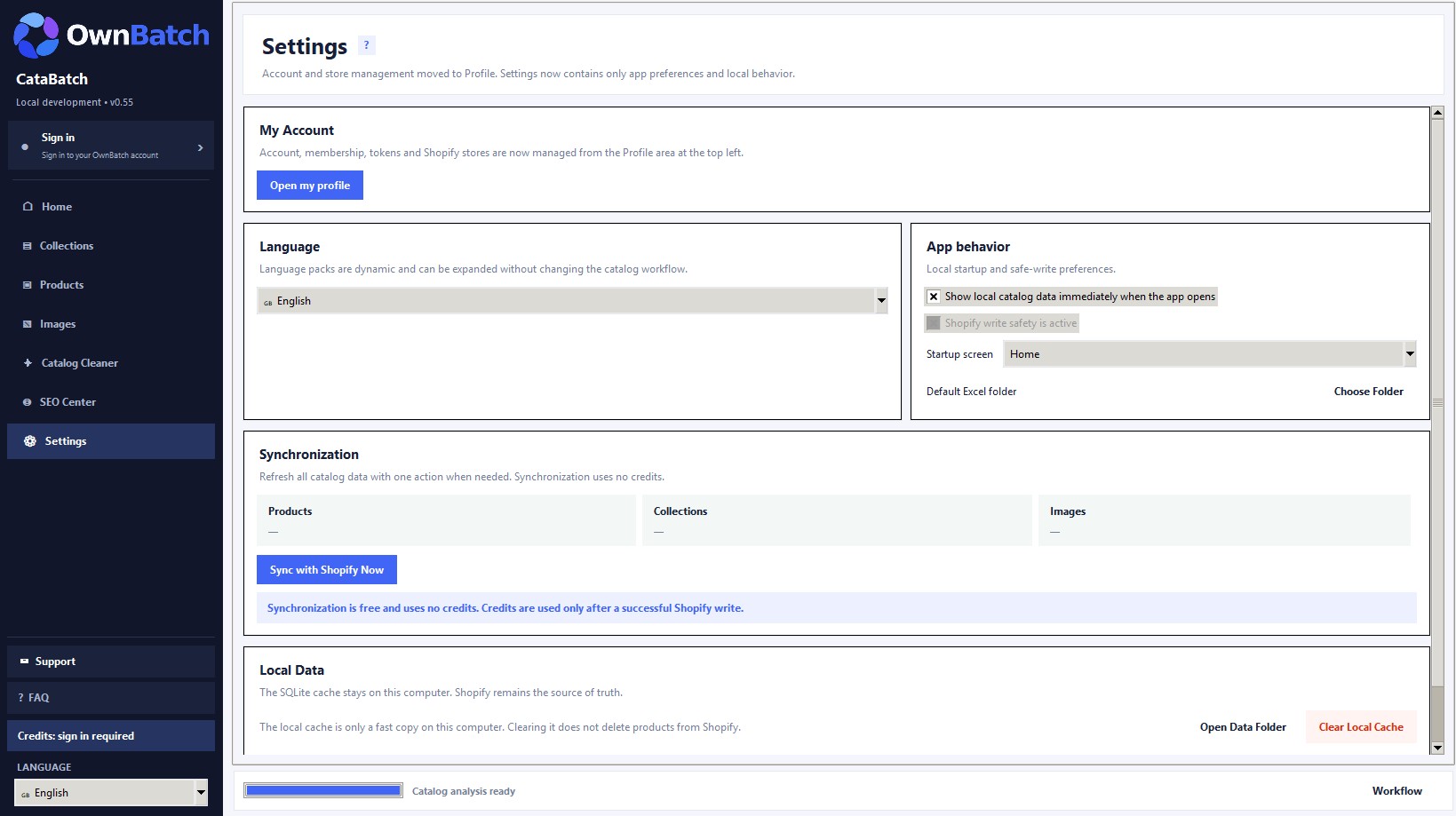
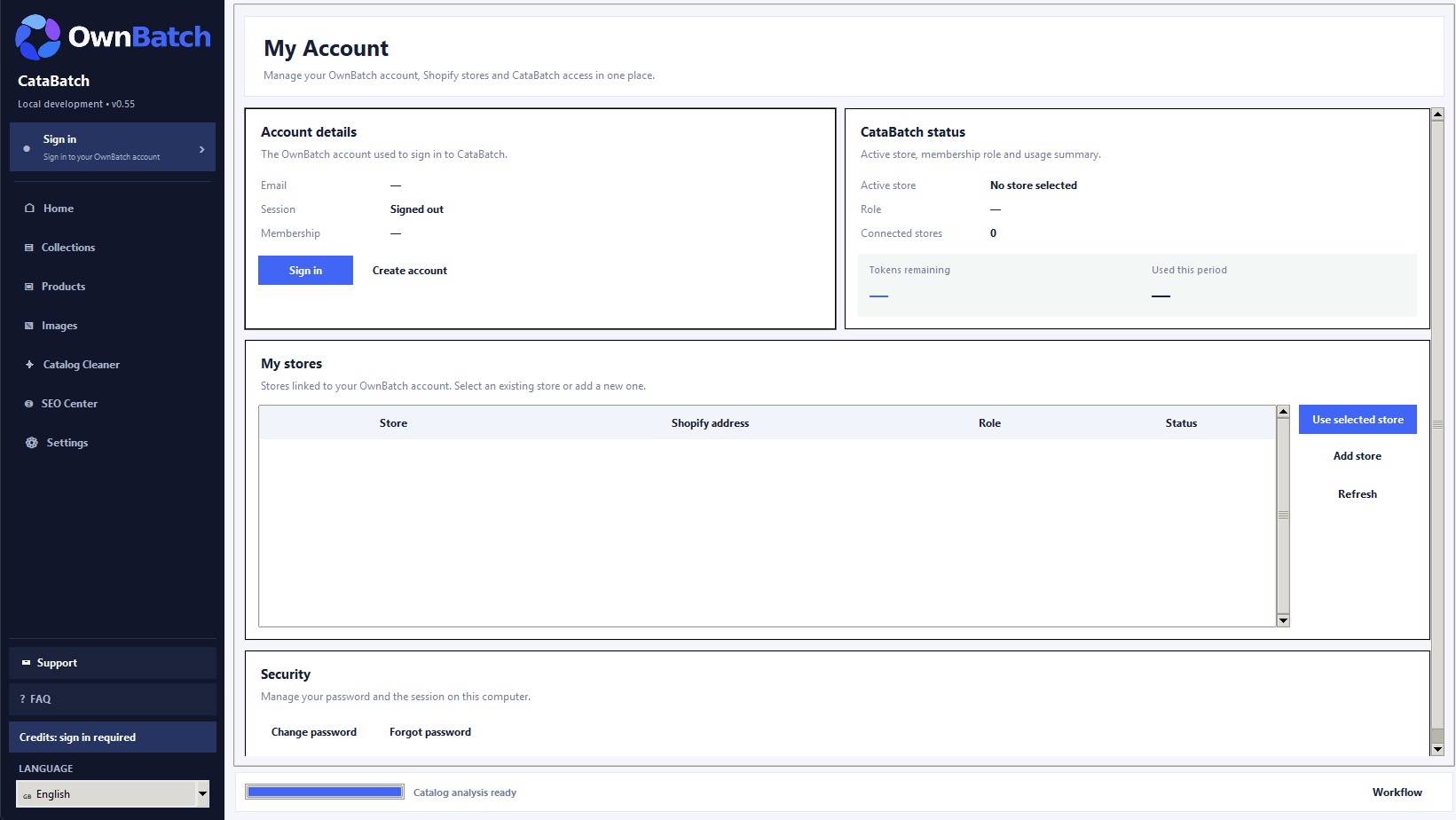
Sample views of CataBatch catalog workflows. Install the current Shopify app from the App Store.
CataBatch uses protected backend workflows and store-specific access controls. Sensitive Shopify credentials are not intended to be exposed through the public website or app interface.
Read about CataBatch securityStore-scoped access, preview and credit decisions are enforced through protected OwnBatch backend controls.
You can buy the same credit package again or choose a different size. You do not have to move to a larger package.
Purchased credits are valid for 12 months. At the end of the period, 50% of eligible unused credits roll forward under the product terms.
One entitlement covers one Shopify store. An additional store requires a separate entitlement.
Canceled, unprocessed or definitely failed changes do not use credits.
No. CataBatch provides an Excel export, import and preview workflow for supported catalog fields.
Explore CataBatch, understand the credit model and prepare a calmer workflow for your Shopify store.