1. Connect your Shopify store
Sign in with your OwnBatch account and authorize the Shopify store you are permitted to manage.
Learn how CataBatch connects to Shopify, prepares catalog changes and uses credits only after successful writes.
Sign in with your OwnBatch account and authorize the Shopify store you are permitted to manage.
Load the supported catalog data into the relevant CataBatch center. Synchronization does not use credits.
Select records and change supported fields in the interface or through an Excel workflow.
Review what will change before submitting anything to Shopify. Previewing is free.
Confirm the reviewed batch. CataBatch sends permitted changes through its protected backend workflow.
One successfully changed unique record uses one credit. Definite failures, canceled and unprocessed records use none.
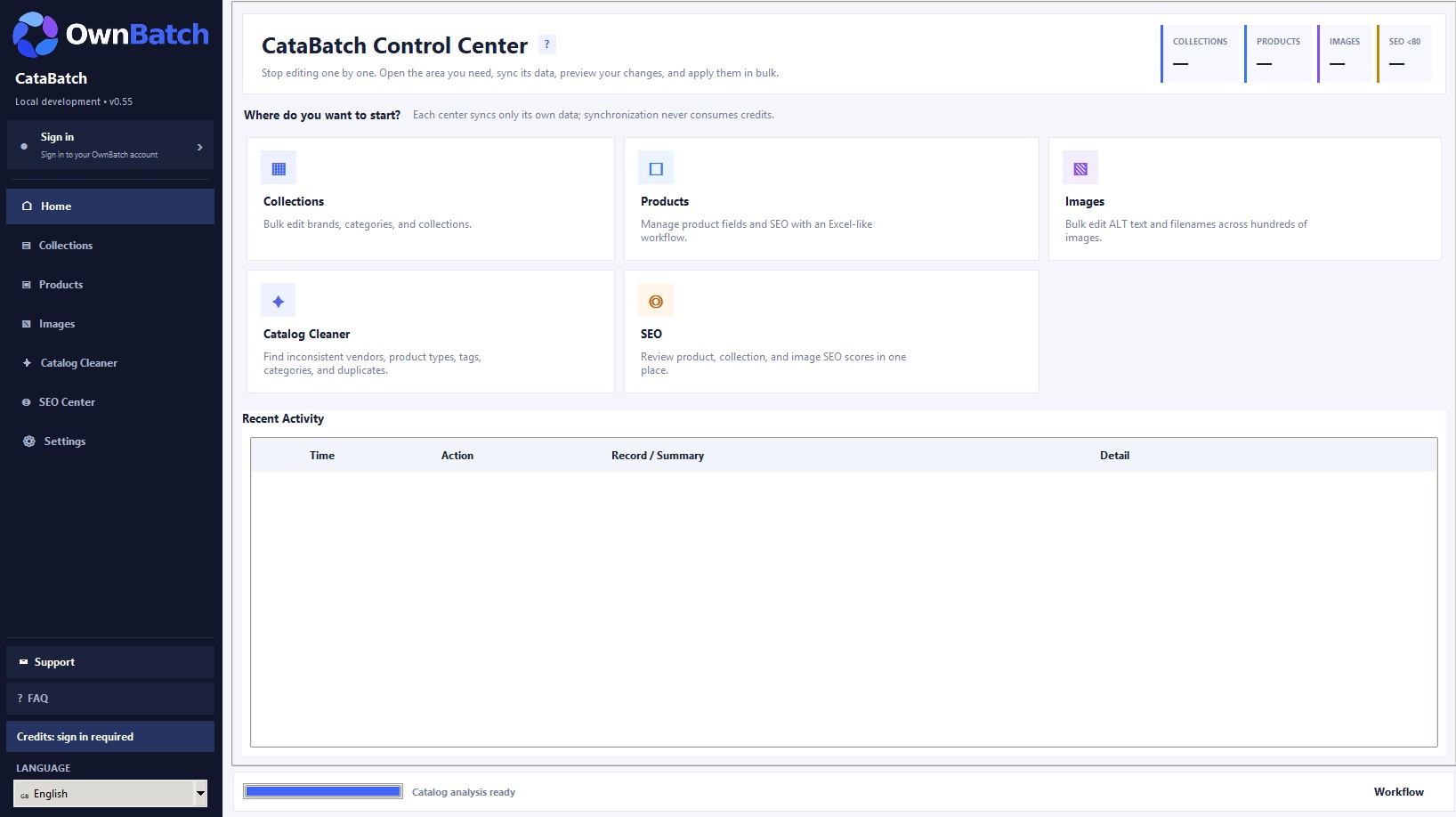
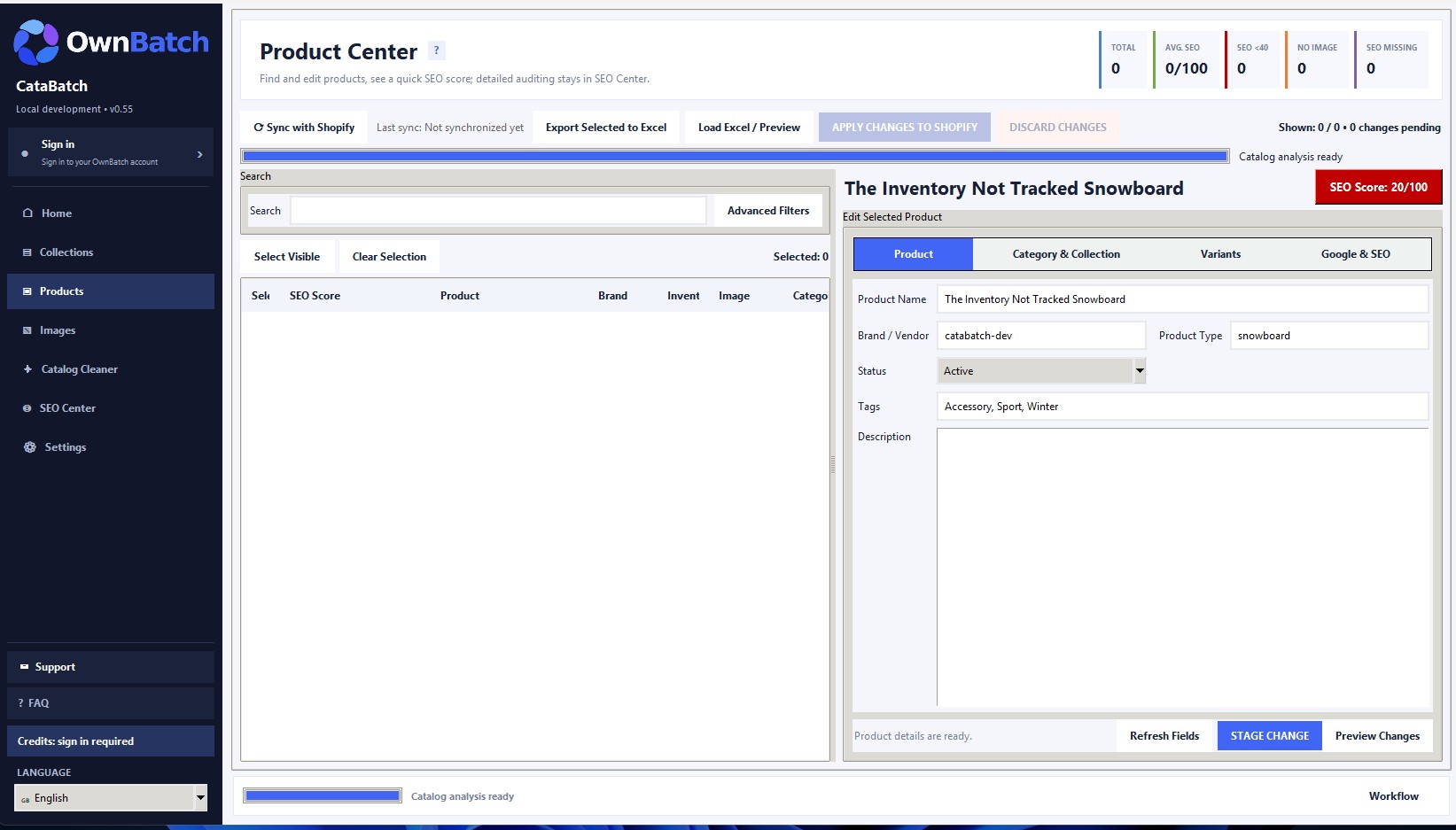
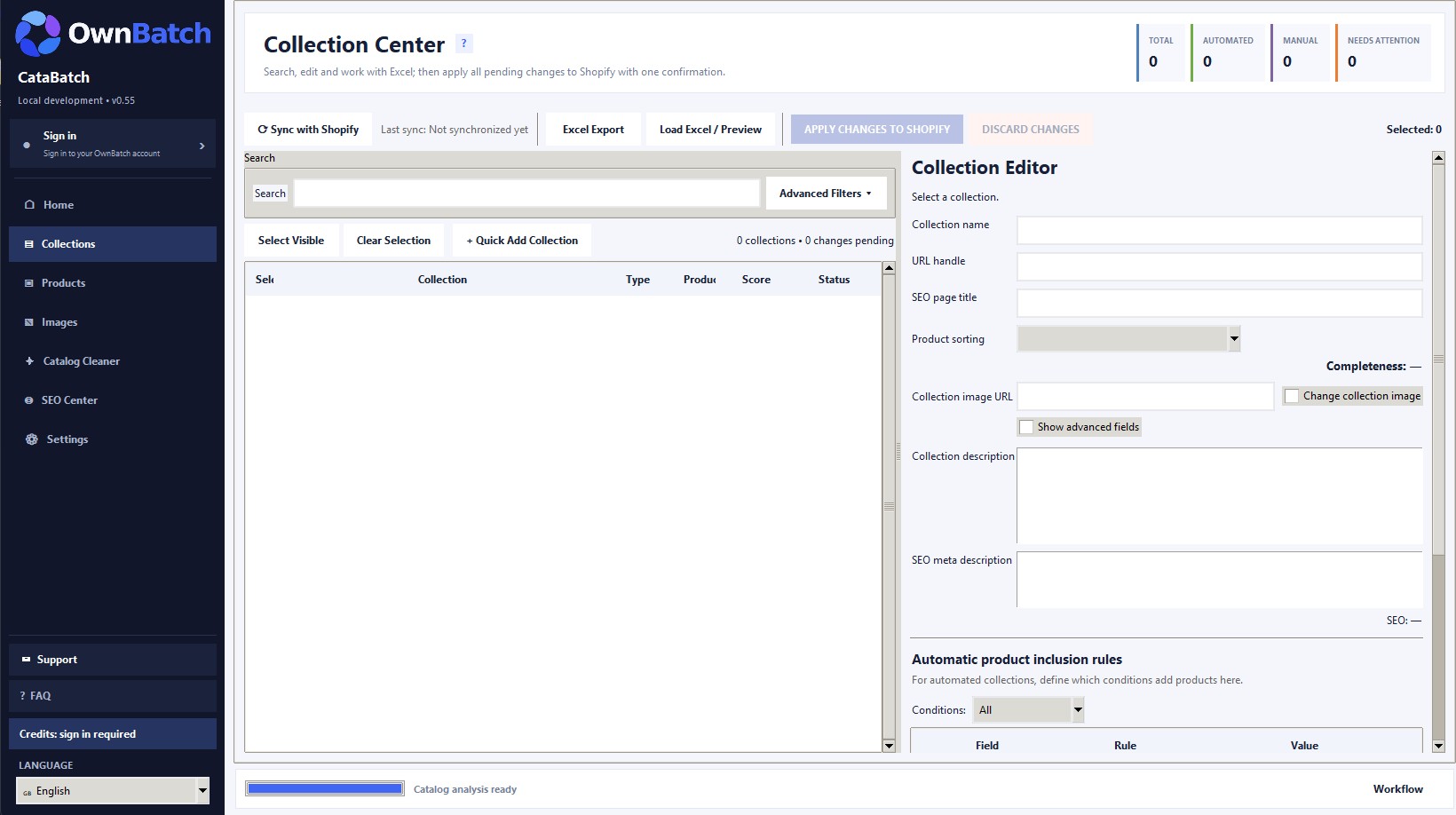
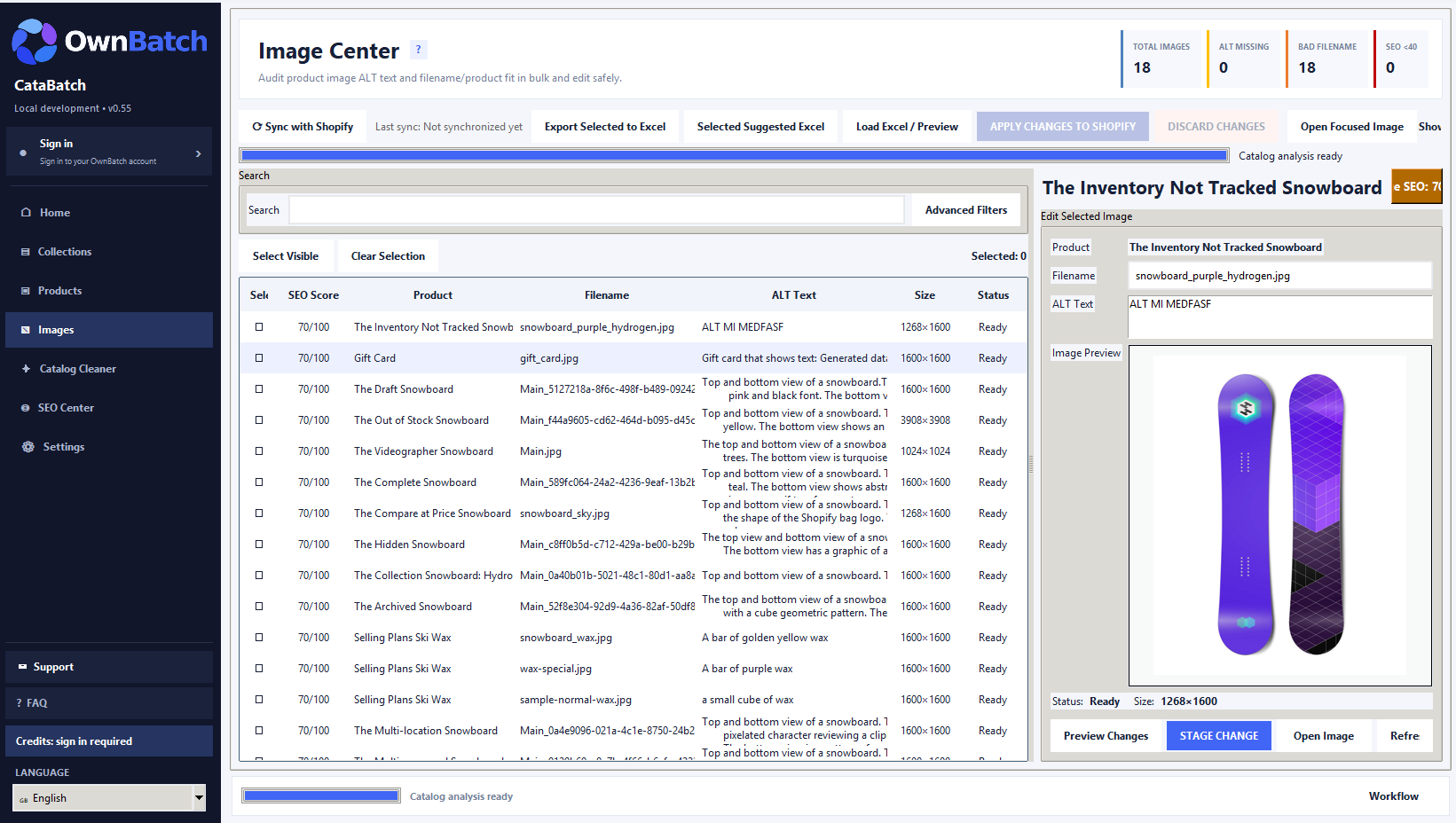
Sample views of CataBatch catalog workflows. Install the current Shopify app from the App Store.
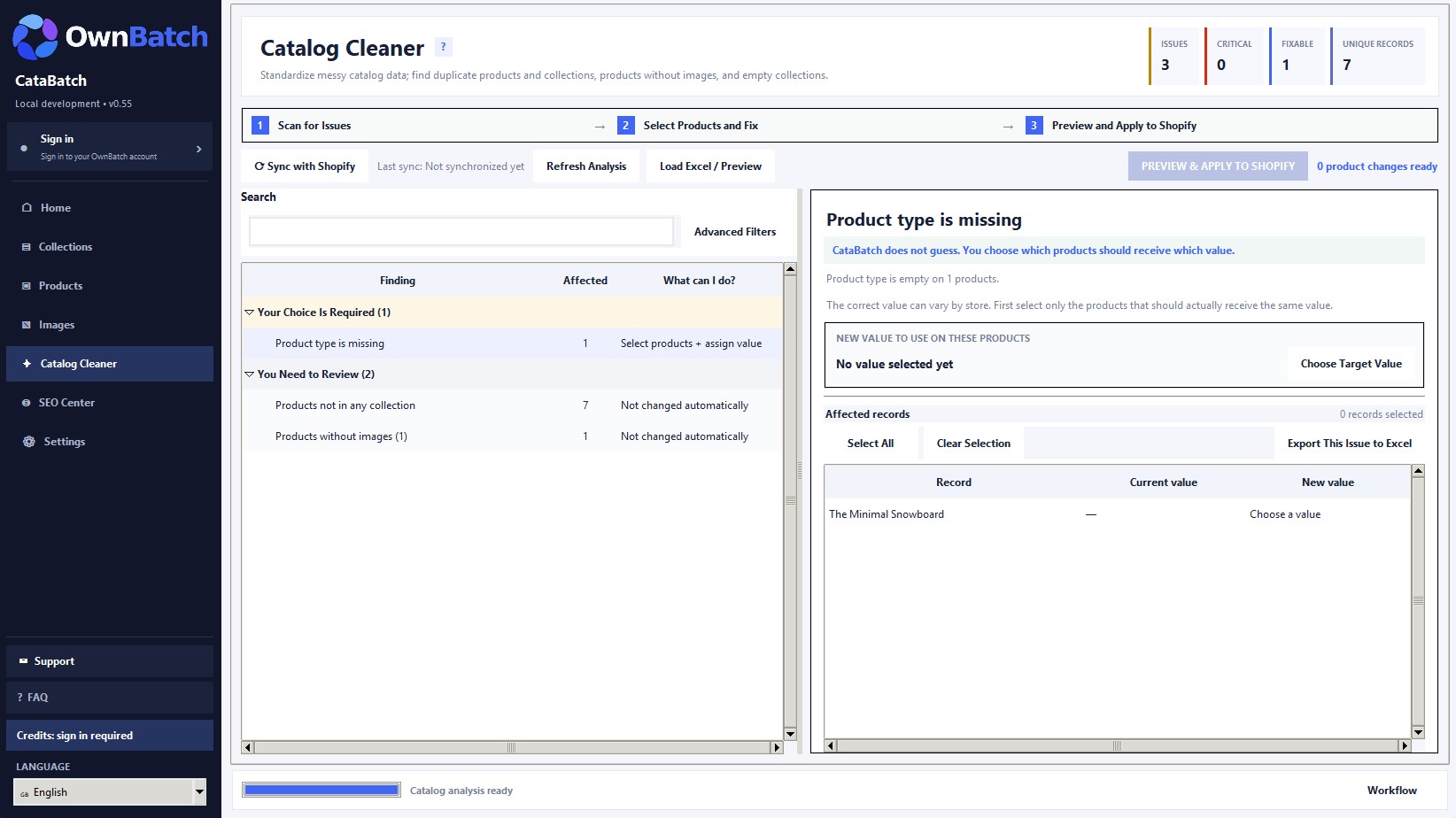
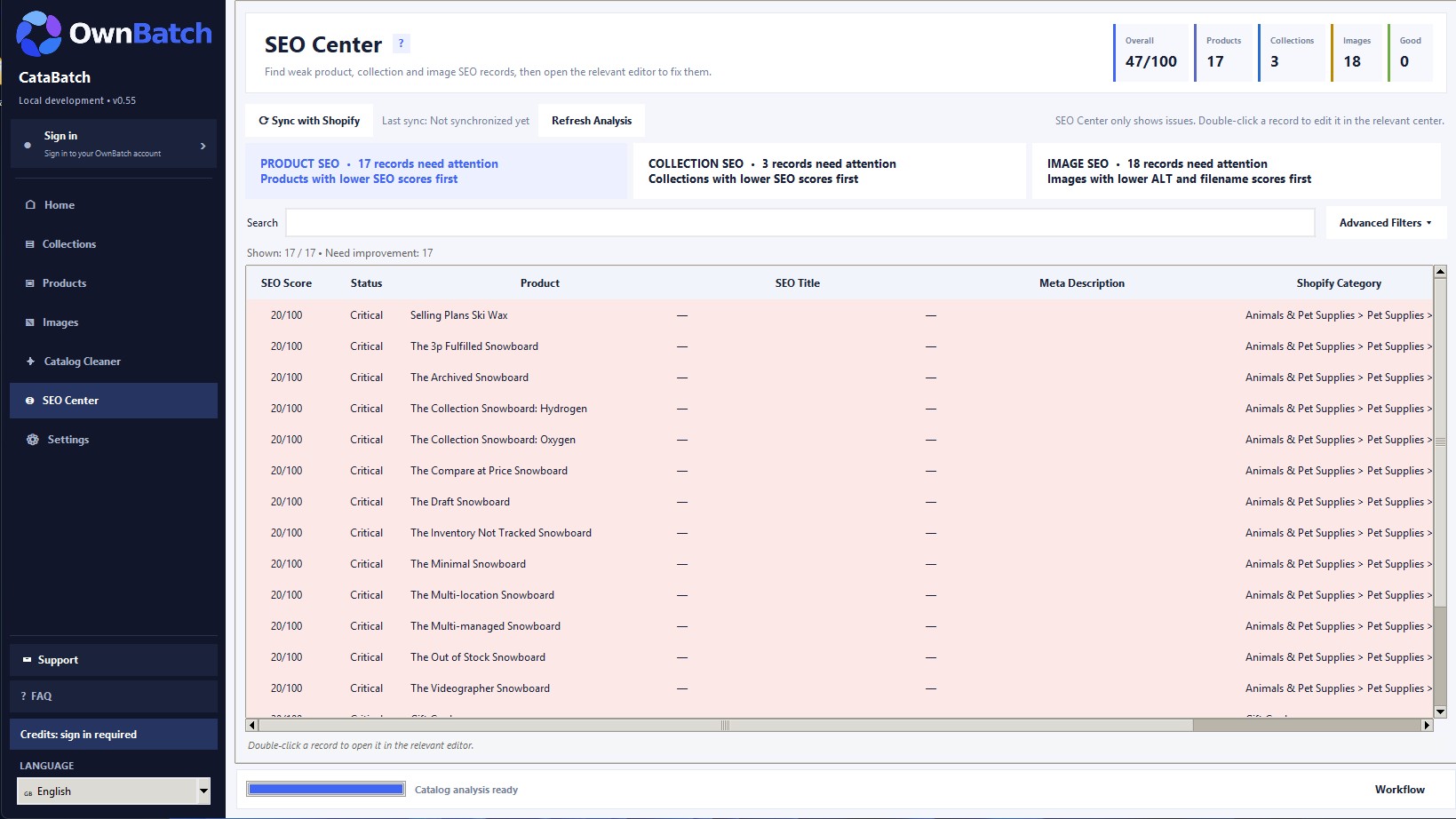
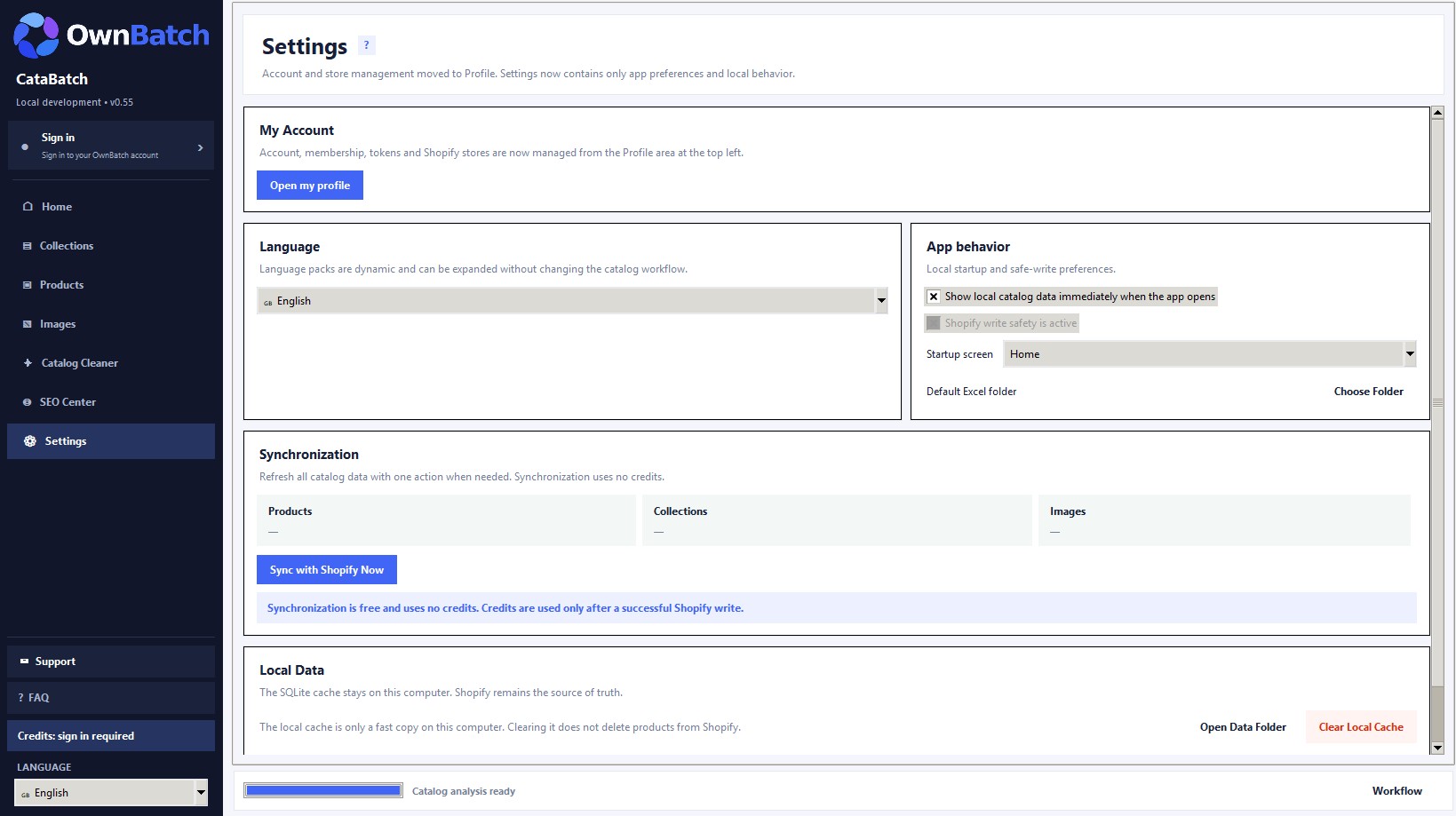
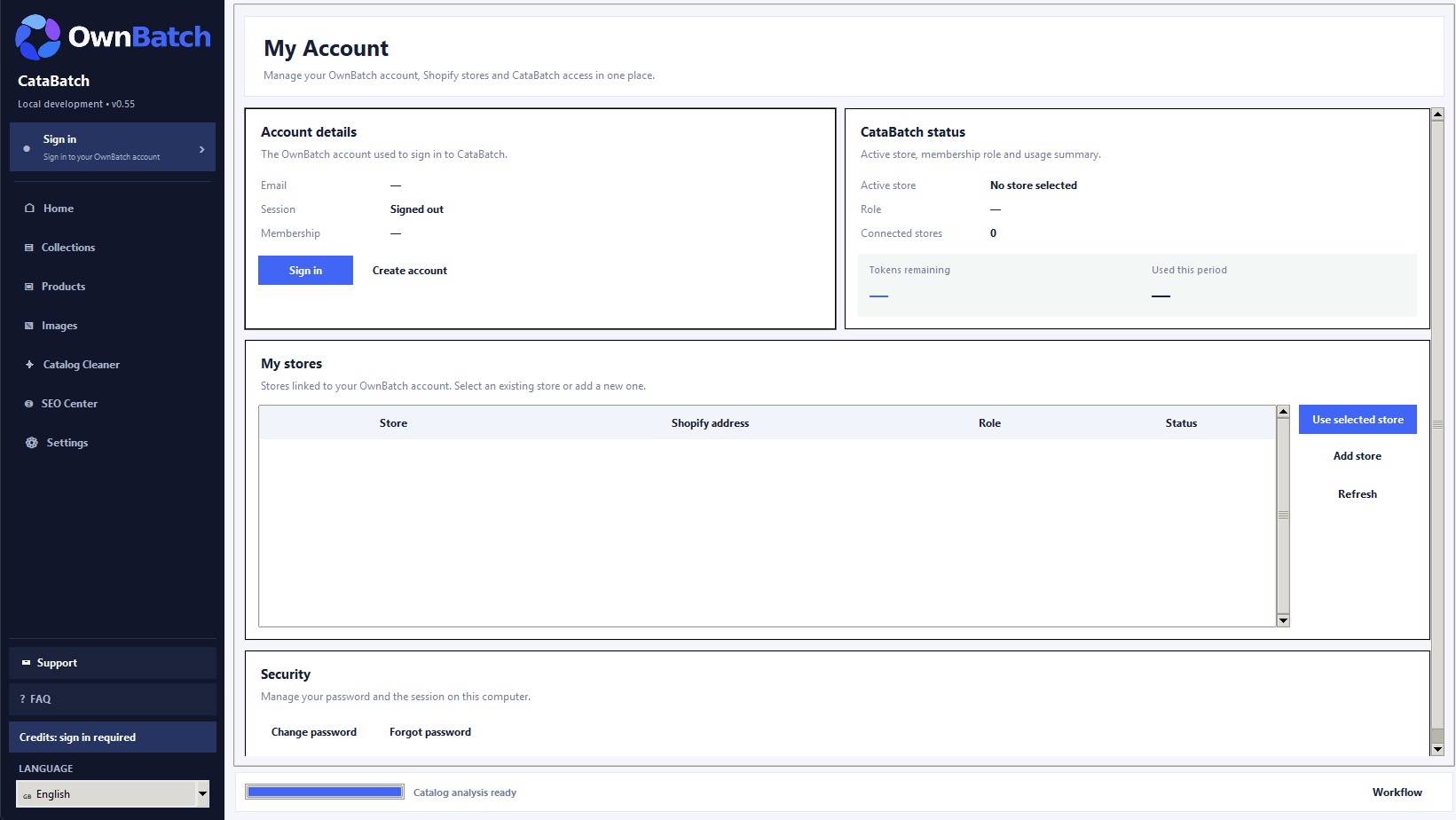
CataBatch packages unlock the same product features. Select a one-time credit package based on the number of successful catalog records you expect to change.